
hi Jim,
This page is for you. 🙂 Thanks for working on this with me!
Start with the unit off.
With this page loaded on your phone in a browser, go into your settings.
In Settings, go to Wifi.
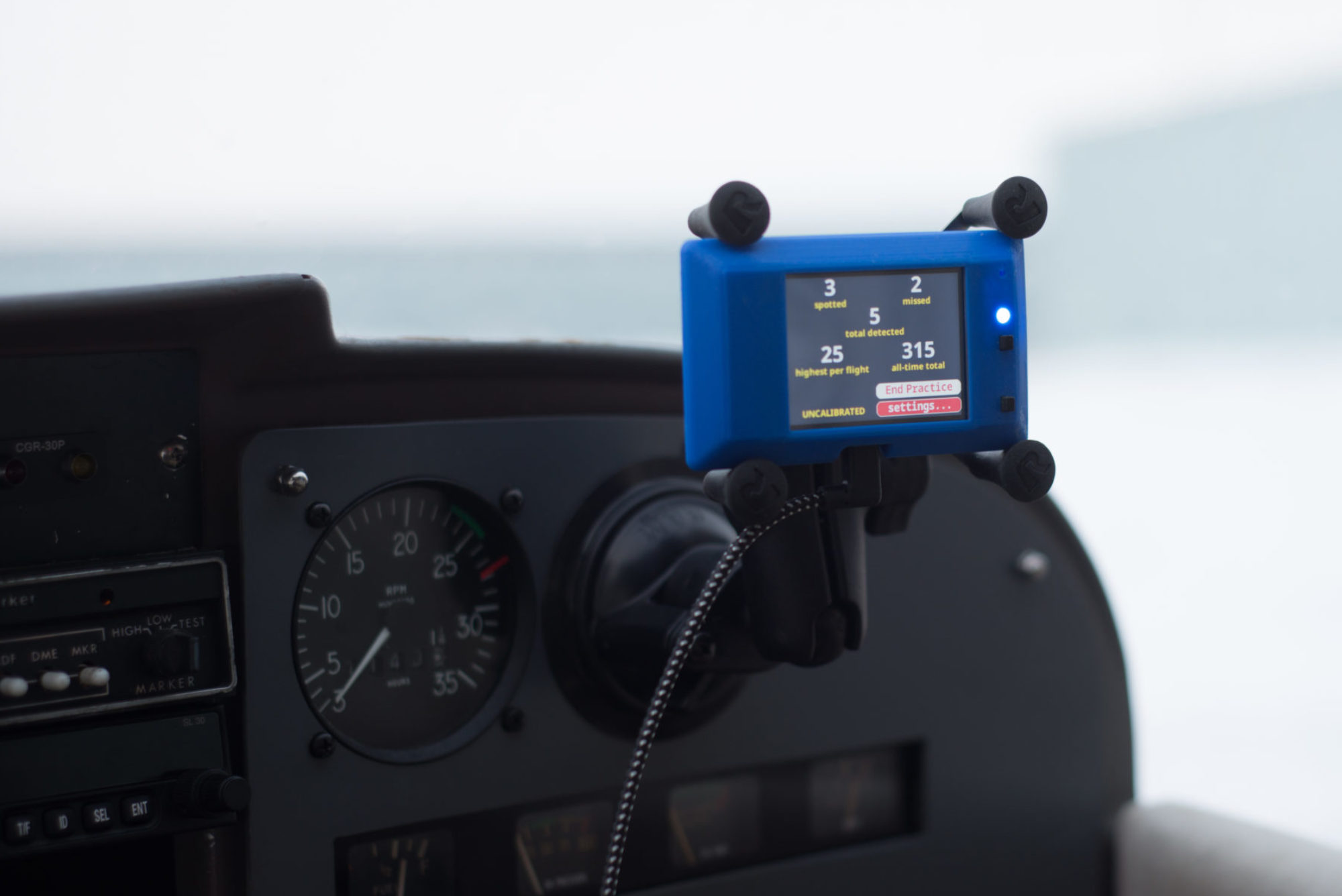
Now power on the unit. Look for it in your wifi (refresh if that makes it go faster). And Connect to the FlightCoach network.
Switch back to this webpage and
Click Configuration
Click on your network
Enter your password
Click Save
Hopefully you can do this all in under a minute if you don’t have to type that link address. Note, the link address will only work correctly if you’re connected to the unit’s WiFi. Otherwise, it will give you indeterminate results, likely with the wheel/bar just spinning for a long time before it times out.